
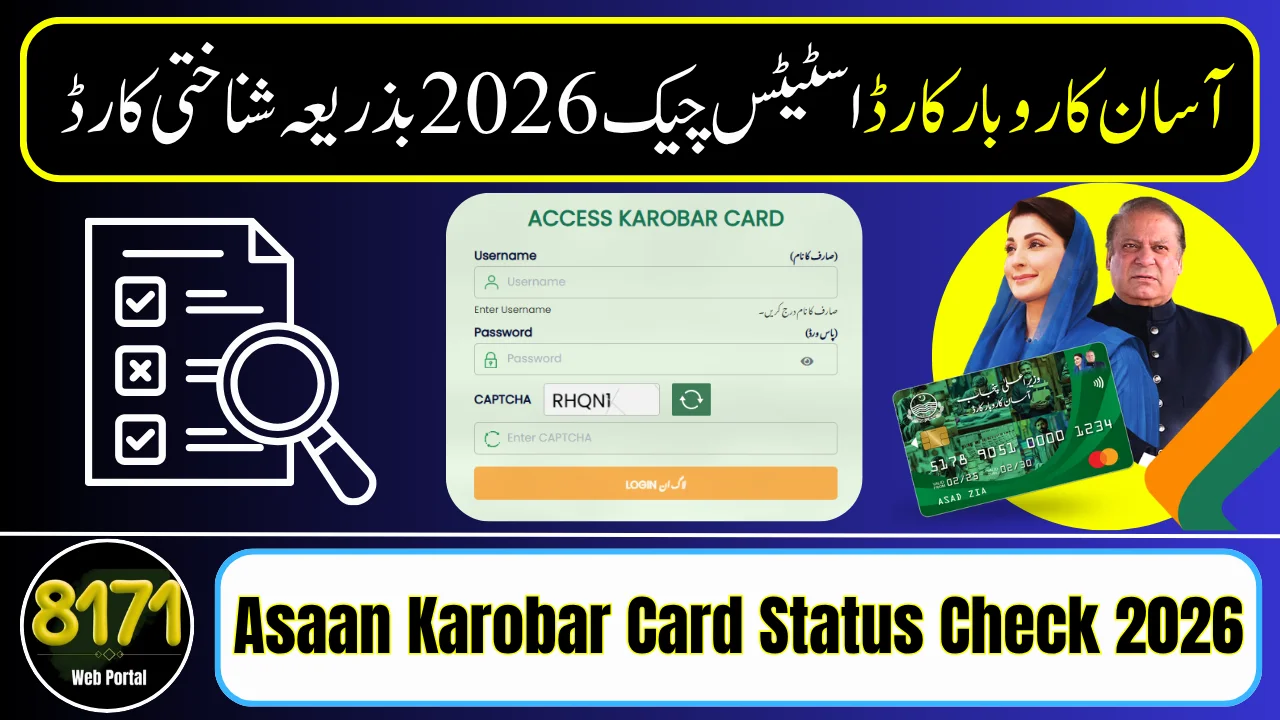
Asaan Karobar Card status check is the quickest way for people in Punjab to see updates about their loan application, verification, and payment.
By using your CNIC, you can easily check if your application is pending, approved, or rejected through the official system.
If you have already applied for the Asaan Karobar Card and want to check your status online, this guide will show you simple step-by-step instructions.
How to Check Asaan Karobar Card Status
You can check your application status using your CNIC through the official portal.
Method 1: Online Status Check (Recommended)
Follow these steps:
- Visit the official Asaan Karobar portal
- Click on Login / Track Application
- Enter your CNIC and password
- Open your dashboard
- Click on Application Status
After login, your current status will appear on your application page.
Method 2: Bank Tracking System
Applicants can also track updates through systems linked with Bank of Punjab by entering CNIC or reference number.
This method is useful when your case is under financial verification.
Method 3: Helpline Support
If you face issues during login or status checking, you can contact:
Helpline: 1786
The helpline provides assistance for:
- Application tracking
- Verification errors
- Login issues

Application Status Types Explained
When you perform the status check, you may see the following results:
- Pending / Under Process → Your application is under review
- Verified → Your data is approved, processing continues
- Approved → Loan/card is ready or issued
- Rejected / Error → Application needs correction or is declined
These statuses help you understand your progress and next steps.

Common Problems During Status Check
Many applicants face issues while checking their status. Here are solutions:
1. CNIC Not Working
- Enter CNIC without dashes
- Ensure it matches NADRA records
2. Login Issues
- Use the same password created during registration
- Reset password if needed
3. Verification Errors
Errors may occur due to:
- Incorrect personal details
- SIM not registered on your CNIC
- Pending tax or financial records
Fixing these issues can speed up approval.
Final Words
Asaan Karobar Card status check is an essential step for every applicant who wants to stay informed about their loan application progress under the Government of Punjab initiative. By using your CNIC on the official portal, you can easily track whether your application is under process, verified, approved, or rejected without visiting any office.
FAQs
1. How can I check Asaan Karobar Card status by CNIC?
You can check your status online by visiting the official portal and entering your CNIC number in the tracking section.
2. What does “Pending” status mean?
Pending means your application is still under review and verification process.
3. How will I know if my application is approved?
Once approved, your status will show “Approved” and you may also receive an SMS notification.
4. Can I check status without login?
In most cases, you need to log in to the portal, but some updates may be available via SMS.
5. What should I do if my application is rejected?
You should review your details, correct errors, and reapply if the scheme allows