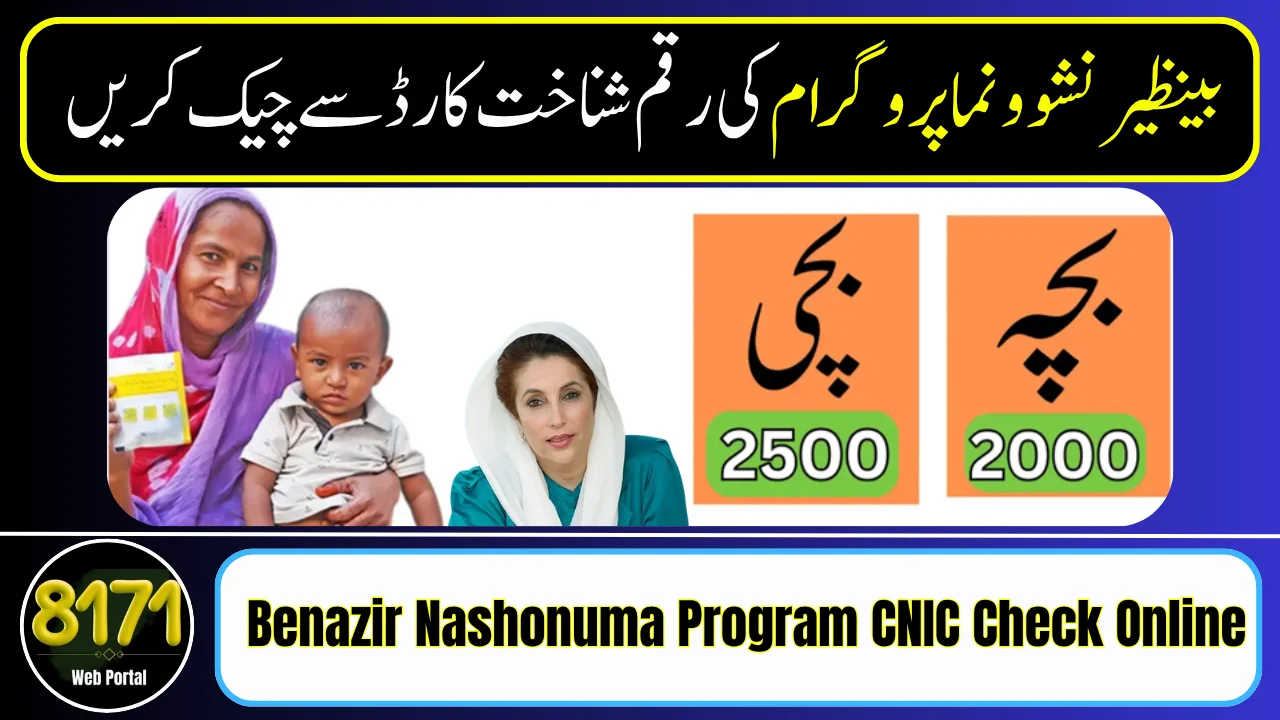
The Benazir Nashonuma Program CNIC check online is a quick and reliable way to verify your eligibility, registration, and payment status from home. Managed by the Benazir Income Support Programme, this system is designed to make the process transparent and accessible for pregnant women and mothers across Pakistan.
If you have already applied for the Benazir Nashonuma Program, in this you can check your verification status through CNIC, SMS, and also find common problems along with their solutions here.
Methods to Check Nashonuma Program Status
1. Online CNIC Check (8171 Web Portal)
This is the most detailed method:
You will see:
- Eligibility confirmation
- Registration status
- Payment details (if approved)
2. CNIC Check via SMS (8171)
Best for users without internet:
SMS response includes:
- Eligibility status
- Instructions for next step
3. Check Through BISP Office
If online or SMS does not work:
- Visit nearest BISP or Nashonuma center
- Provide your CNIC
- Ask staff to check your record

What Information You Need
Before checking, make sure you have:
Eligibility Status Messages Explained
When you check your CNIC, you may see:
- Eligible → You qualify for the program
- Under Verification → Data is being reviewed
- Not Eligible → Criteria not met
- No Record Found → You need to register
Common Problems & Solutions
1. CNIC Not Showing Record
- Complete or update NSER survey at BISP office
2. No SMS Reply from 8171
- Try again after some time
- Check mobile network or balance
3. Wrong Information Displayed
- Visit BISP office for correction
4. Payment Not Showing
- Wait for next installment cycle
- Ensure compliance with health visits
Safety Guidelines
Pro Tips for Fast Approval
Conclusion
The Benazir Nashonuma Program CNIC check online system has made it easier than ever to stay informed about your eligibility and benefits. With simple methods like SMS and the web portal, the Benazir Income Support Programme ensures that deserving families can access their information quickly, securely, and without hassle.
FAQs
1. How can I check Nashonuma Program status by CNIC?
You can send your CNIC to 8171 or check online through the official portal of the Benazir Income Support Programme.
Is the CNIC check service free?
Yes, both SMS and online CNIC check services are completely free.
Whose CNIC should be used?
You should use the mother’s CNIC registered in BISP.
What if my CNIC shows “No Record Found”?
It means you are not registered yet. Visit the nearest BISP office to complete registration.
Why am I not receiving a reply from 8171?
Check your CNIC format, mobile balance, or try again after some time.
Can I check payment status through CNIC?
Yes, the CNIC check system also shows your eligibility and payment details.